✦Image and video creation. One private creative library.
DREAMFORGE STUDIO IMAGE + VIDEO
MOBILE CREATIVE CONTROLTwo studios. One vision.
IMAGEVIDEOMEDIA
YOUR SERVER · YOUR MEDIA · YOUR STUDIOSCROLL TO EXPLORE ↓
IMAGE✦VIDEO✦EDIT✦ORGANIZE✦CREATE
2.0THE STUDIO UPDATE
A MUCH BIGGER DREAMFORGE
Image was the beginning. Now the studio moves.
DreamForge 2.0 adds a complete Video Studio, a redesigned Media hub, categorized Reference Boards, expanded model support, premium selectors, improved iPad layouts, and private remote access through Tailscale or NordVPN Meshnet.
01 / TWO CREATIVE STUDIOS
Start with an idea. Choose how it lives.
Build a still image with deep reference control, or turn a prompt, keyframe, clip, or sound into motion. Each studio keeps the controls focused on the model and mode you choose.
IMAGE STUDIO
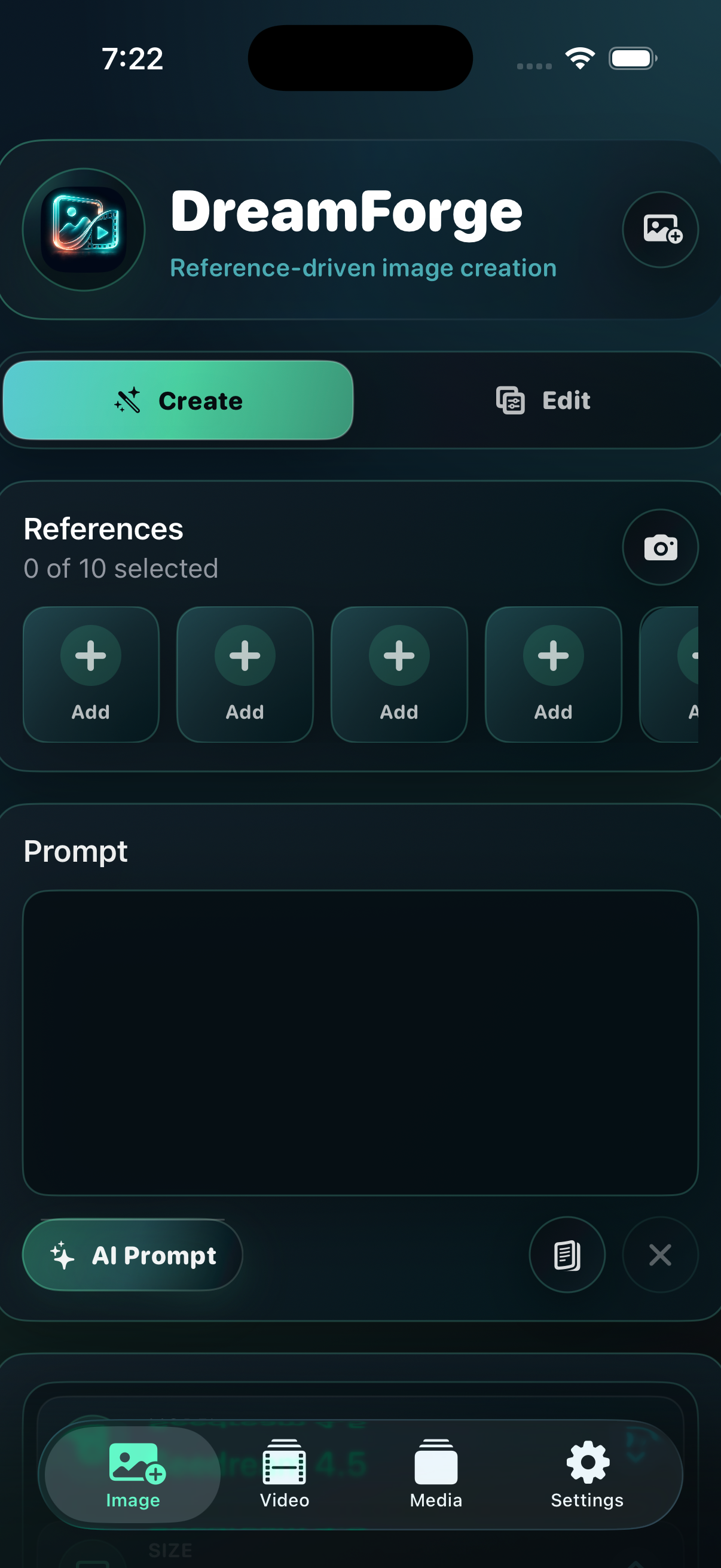
Reference-driven image creation.
Choose from nine image models, add model-specific references, shape camera direction with Shot Builder, and generate multiple outputs in one run.
Up to 16 reference images
Dedicated Create and Edit workspaces
Premium model, size, and output pickers
VIDEO STUDIO
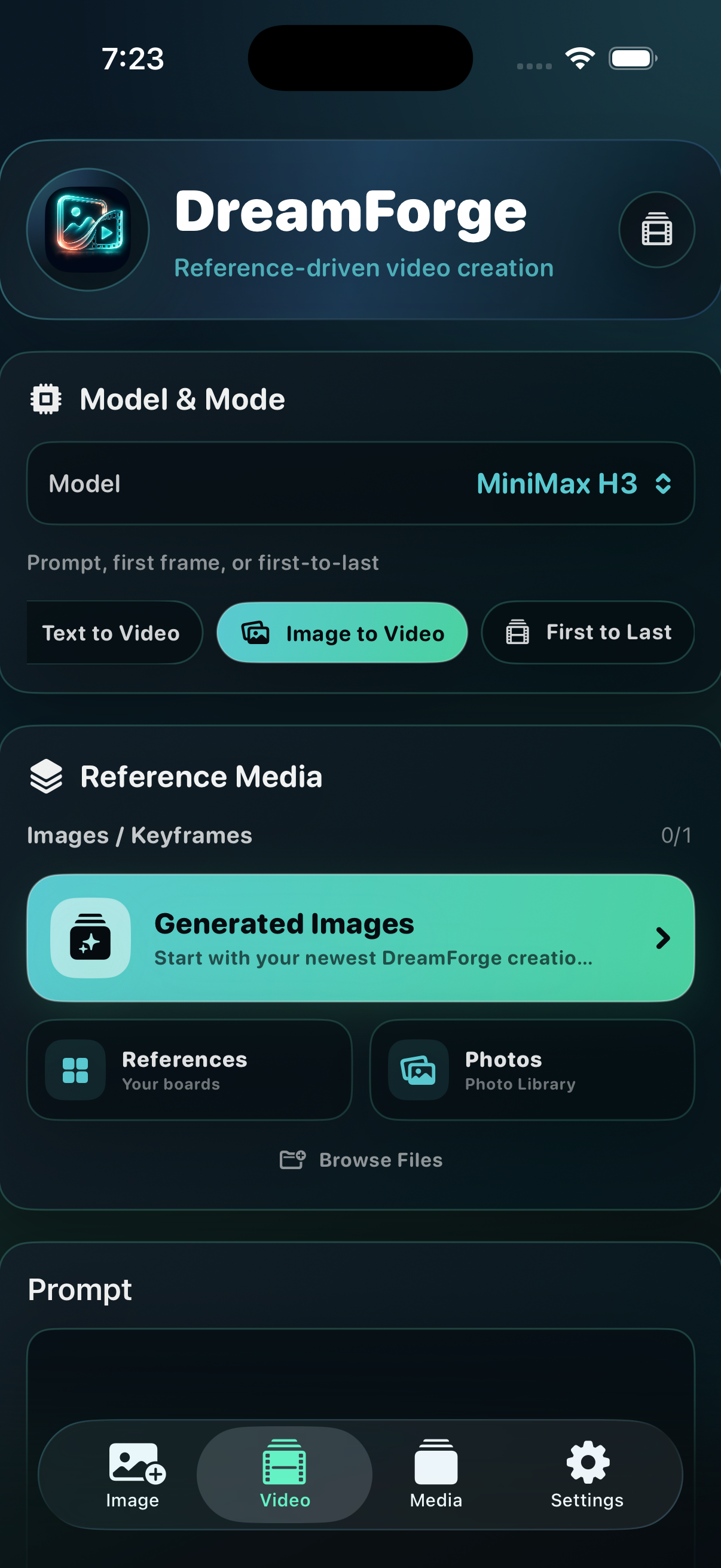
Motion built around your media.
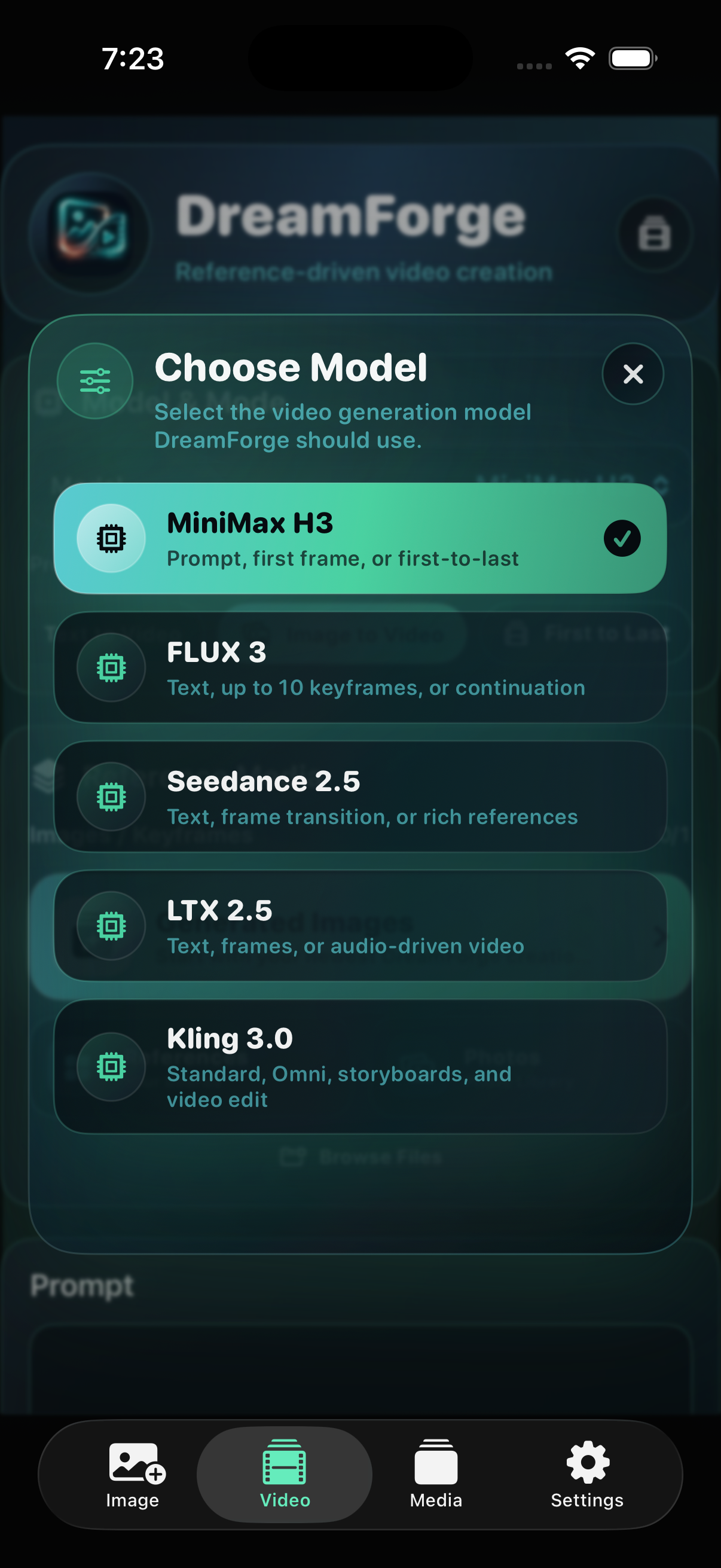
Move from text to video, image to video, first-to-last frames, continuation, rich references, audio-driven creation, or video editing—depending on the model.
Five video engines
Model-aware modes and settings
Landscape playback on iPhone and iPad
02 / THE MEDIA HUB
Everything worth keeping. Ready for what comes next.
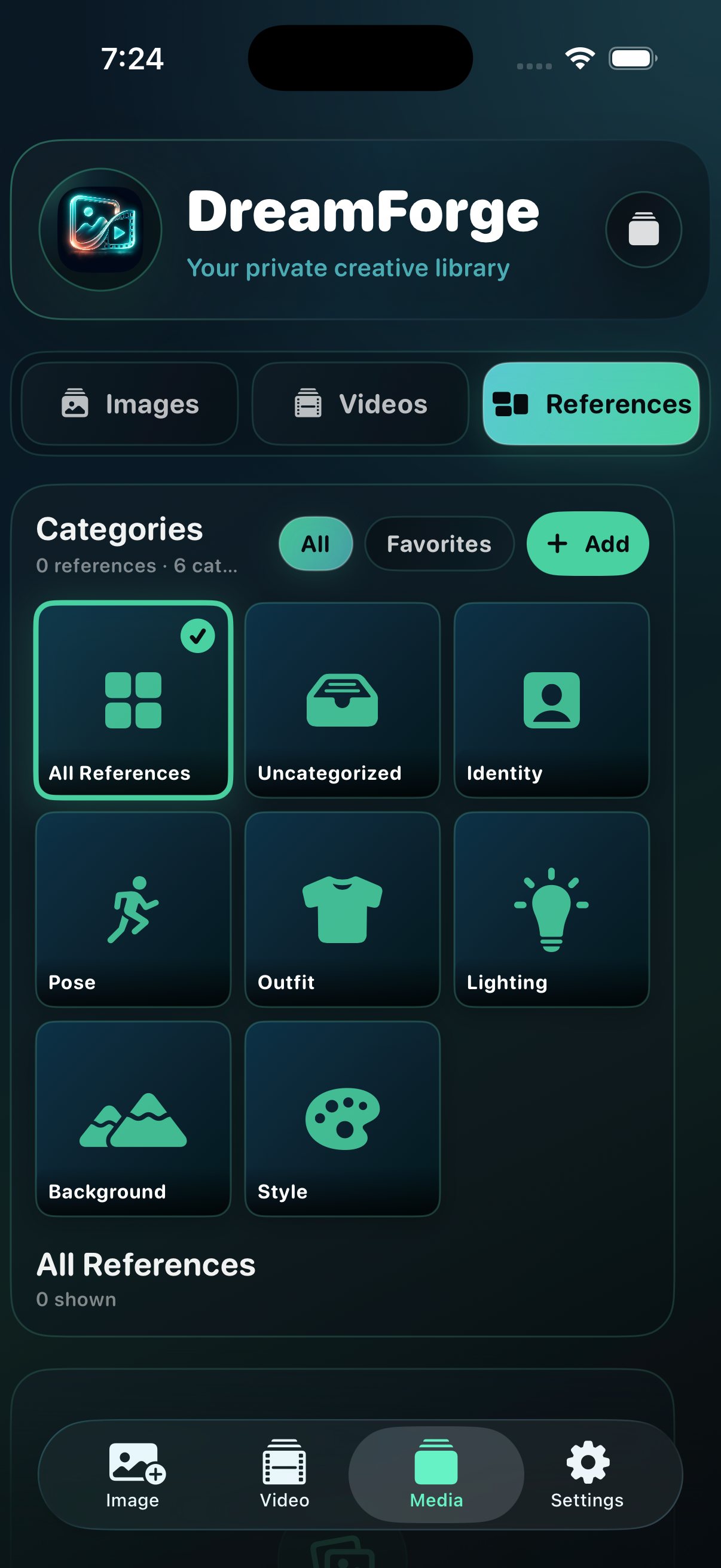
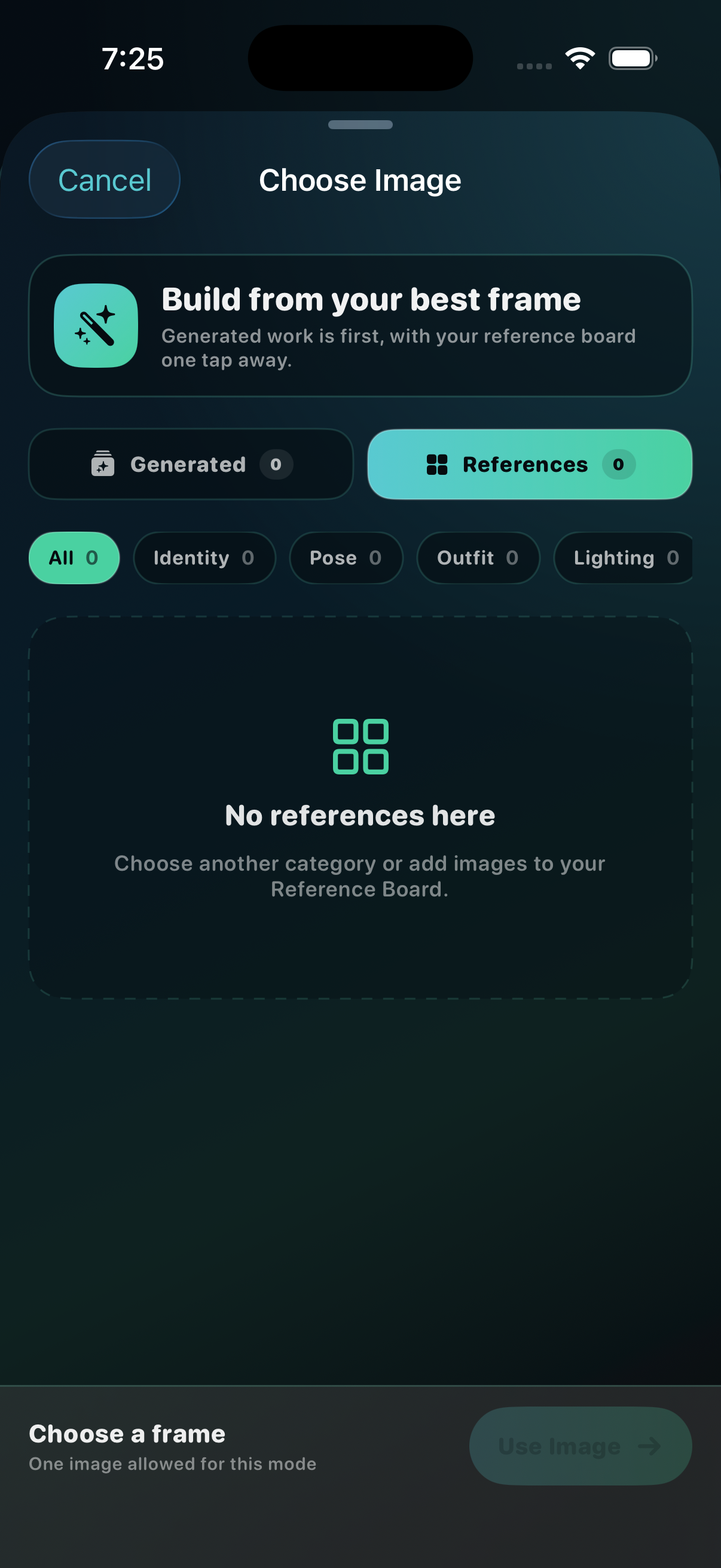
Images, videos, and reusable references now live together in Media. Generated images stay first in the video picker, while the Reference Board turns visual ingredients into a category system that works your way.
Every image and video dropdown now uses the same focused selector. You see what each model or setting does before choosing it, with the active option clearly marked.
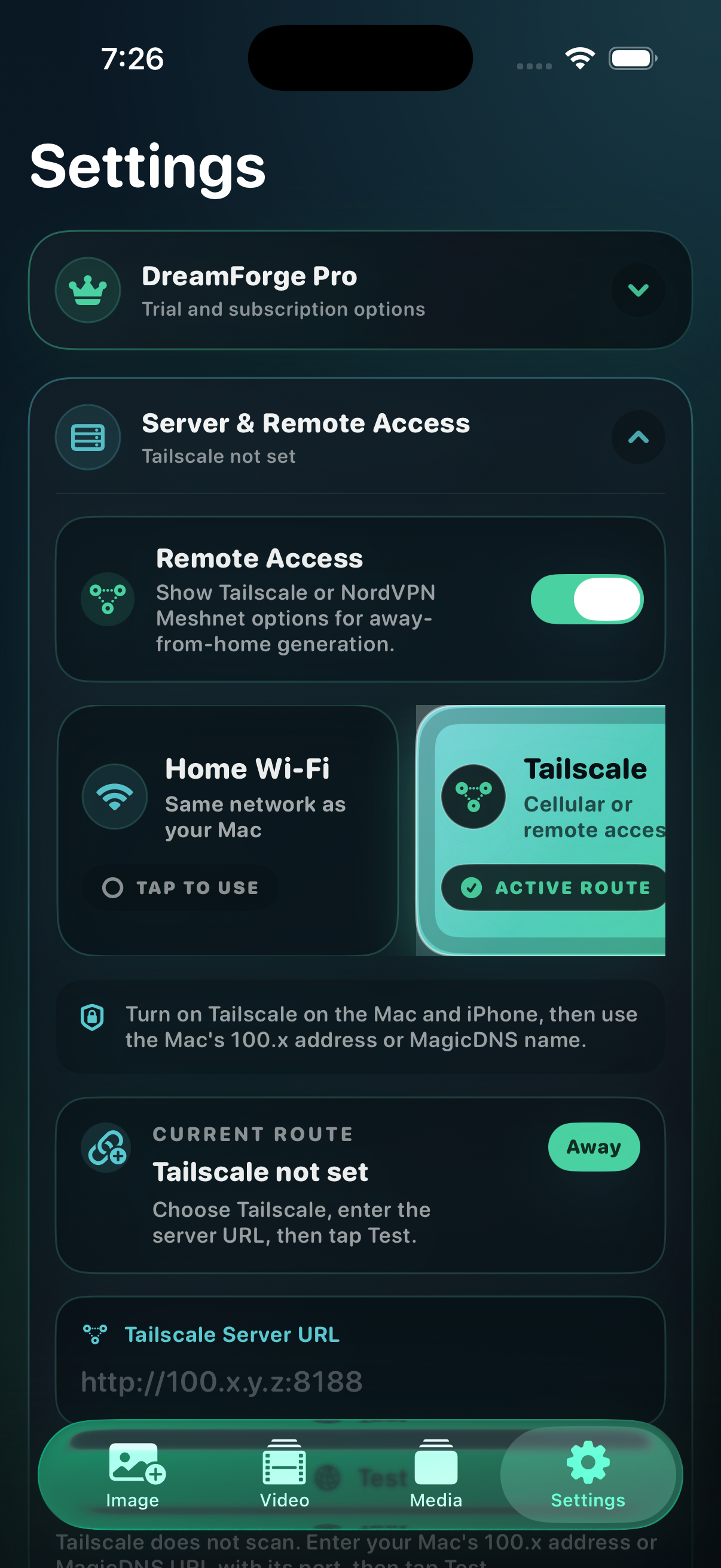
DreamForge can discover ComfyUI on local Wi‑Fi, preserve the exact port you enter, or connect away from home through Tailscale and NordVPN Meshnet. Built-in diagnostics explain exactly what the app tested.
DreamForge is the studio layer. Your server, provider accounts, credits, media, and private routes remain yours.
What do I need to use DreamForge?+
DreamForge on iPhone or iPad, a reachable ComfyUI server, and a Comfy account API key when a selected partner node requires it. Home Wi‑Fi is the simplest route; Tailscale or NordVPN Meshnet can extend access beyond home.
Does DreamForge create both images and videos?+
Yes. Image and Video are dedicated studios with their own models, reference rules, shot direction, settings, and generation flow. Media keeps both result types organized afterward.
Do I have to build node graphs on my phone?+
No. DreamForge prepares supported workflows behind the scenes. Choose a model and mode, add the allowed media, adjust settings, then generate.
How many reference images can I use?+
The limit follows the chosen model and mode. Image models range from text-only to as many as 16 references. Video modes range from no image input to as many as 30 rich-reference images, with supported video and audio inputs shown in the app.
Where do my images, videos, and keys go?+
Imported and generated media is organized inside DreamForge’s app library. Photos import and export are user initiated. Keys entered in DreamForge are stored in Apple Keychain. Selected prompts and media travel through the ComfyUI workflow you choose and may reach an outside provider when that workflow uses partner API nodes.
Can I create away from home?+
Yes. Configure Remote Access with Tailscale or NordVPN Meshnet on both devices, enter your own server address and port, and use DreamForge’s Test and Connection Diagnostics controls before leaving home.
ONE IDEA CAN BECOME A FRAME, A SEQUENCE, OR A WHOLE NEW DIRECTION
Put the studio in your hand.
Connect your server, bring the reference, and decide whether the next thing you make should hold still—or move.